
Getting started
Sign in and sign out
Sign in with your email and password, and sign out from the bottom of the side menu when you finish.
On this page
Sign in
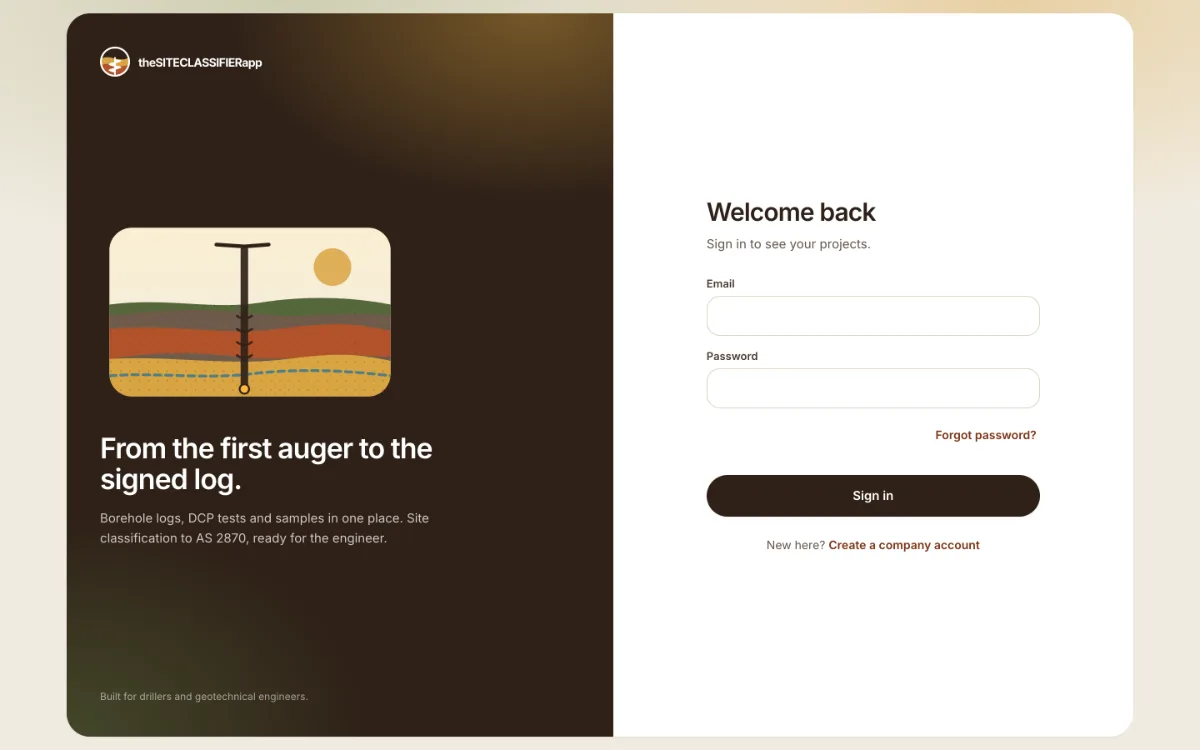
- Open the sign-in screen. It says Welcome back.
- Type your Email and Password.
- Press Sign in.
You land on Projects. If you opened a link before you signed in, the app takes you back to it.
Sign out
Press the sign-out button next to your name at the bottom of the side menu. On a phone browser, open the menu first.
If you cannot sign in
- These credentials do not match our records. The email or the password is wrong.
- Too many sign-in attempts. Try again in N seconds. You typed a wrong password 5 times. Wait, then try again.
- You forgot your password? Use Forgot password? on the sign-in screen. See Forgot your password.
Was this helpful?
Still stuck?
Tell us what happened. We will see which article you were reading.