
Account and sign-in
Forgot your password
Ask for a reset link by email and choose a new password. We never tell anyone which emails have accounts.
- On the sign-in screen, press Forgot password?
- Type your email and press Send reset link.
- Open the email. Press the link in it.
- Choose a new password and save it.
- Sign in with the new password.
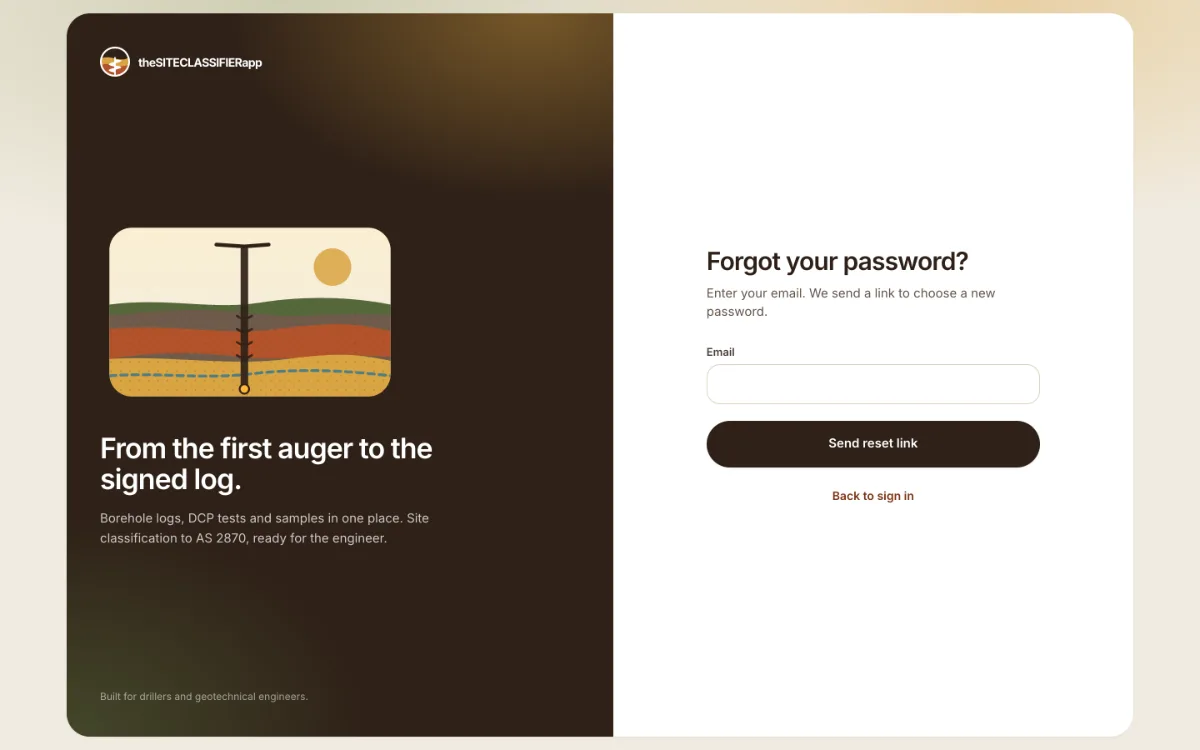
What the screen says
The screen always gives the same answer: "If this e-mail has an account, a link to reset..." This is on purpose. It stops a stranger from finding out who has an account.
If the email does not arrive
- Check your spam or junk folder.
- Check that you typed the email you signed up with.
- Wait a few minutes, then ask again. If you ask many times in a short time, the screen asks you to wait.
If the link does not work
A reset link works once. If you already used it, or it is old, ask for a new one.
Phone app
The Android beta app has no reset button. Reset the password on the web, then sign in on the phone. See The Android beta app.
Still stuck? Contact support.
Was this helpful?
Still stuck?
Tell us what happened. We will see which article you were reading.