
Projects and workflow
The project workflow
Every project moves through four steps: Drilling, Testing, Review and Signed off. Each step has its own people and locks.
On this page
The Workflow panel on a project shows the four steps.
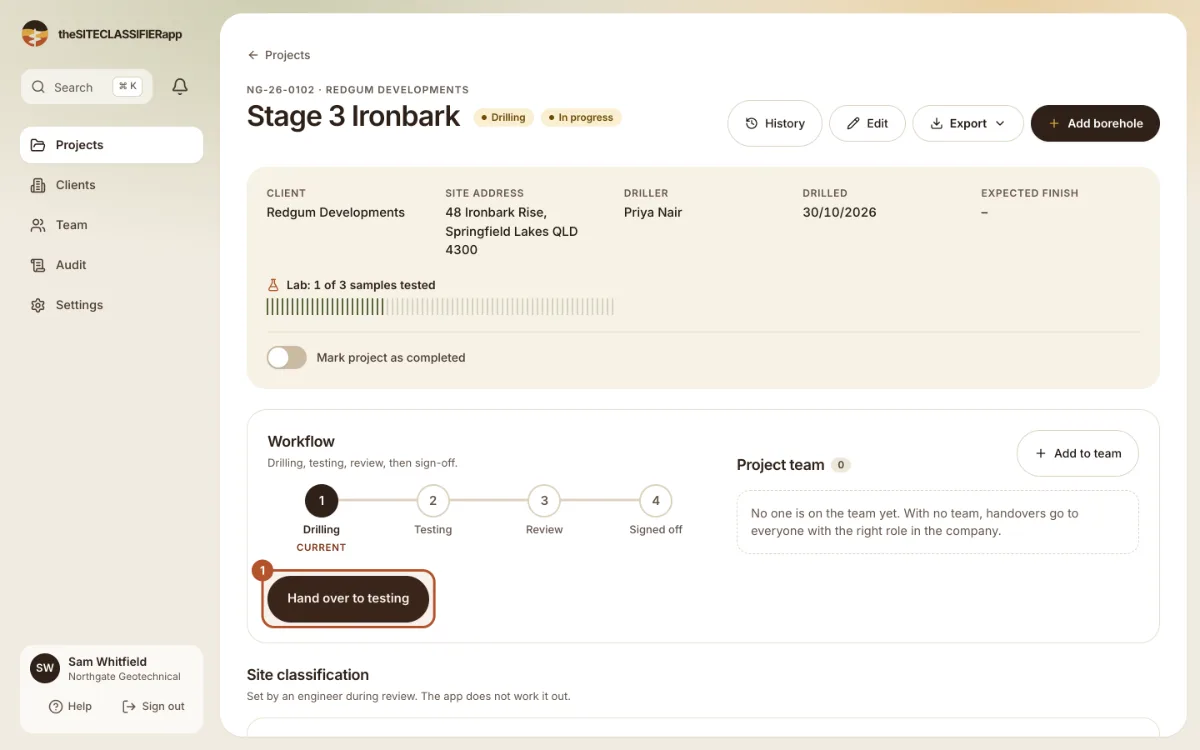
| Step | What happens | Who can change data |
|---|---|---|
| Drilling | The field work. | Driller, engineer, admin (field data). |
| Testing | The lab work. | Tester, engineer, admin (lab results). |
| Review | The engineer checks the records and sets the site class. | Engineer, admin. |
| Signed off | The records are final. | Nobody, until an engineer reopens. |
Hand over
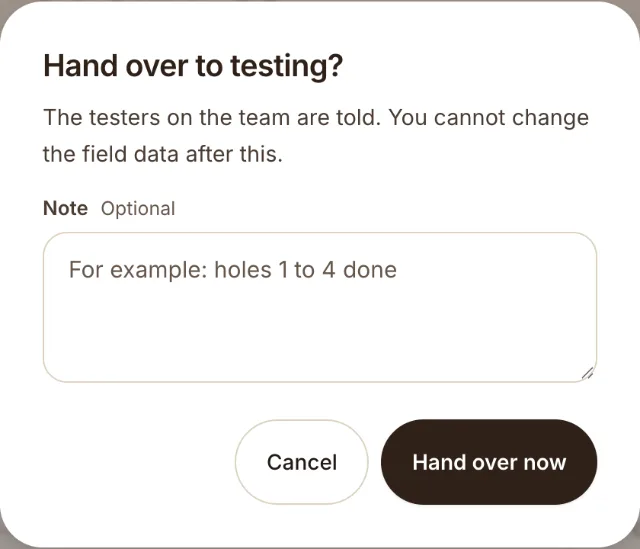
- Drilling to testing: a driller, engineer or admin presses Hand over to testing.
- Testing to review: a tester, engineer or admin presses Hand over to review.
Each time the app asks you to confirm. Press Hand over now.
Who is told
If the project has a Project team, the app tells the people in the team. If it has none, it tells everyone with the right role. The bell in the side menu shows "Handovers, sign-offs and reopened projects."
When the app says no
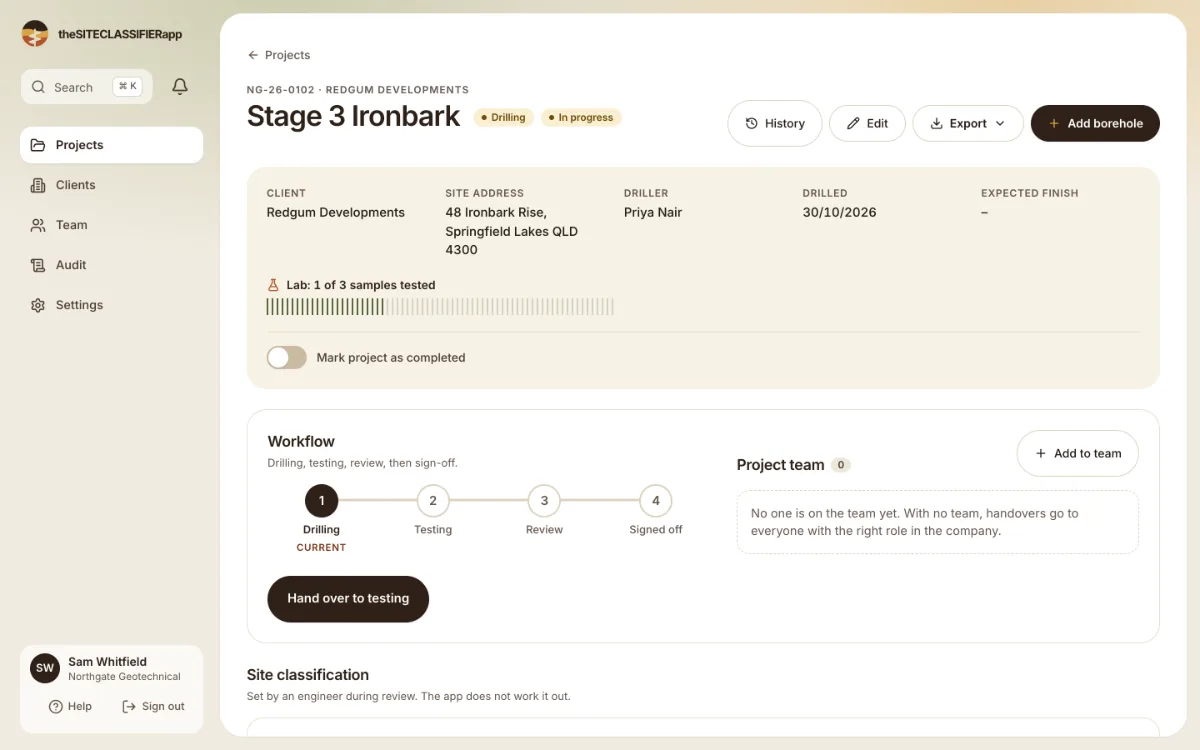
If a step is wrong for your role, the app shows a short message and changes nothing. For example, a driller cannot edit field data after the handover to testing.
Next: Sign off and reopen.
Was this helpful?
Still stuck?
Tell us what happened. We will see which article you were reading.